What is free?
Protect one selected app for free. An optional one-time upgrade unlocks unlimited app protection and paid features, including Intruder Selfie. See Google Play for current pricing in your region.
 SORDIFF
App lock for Android
Your apps.
Your access.
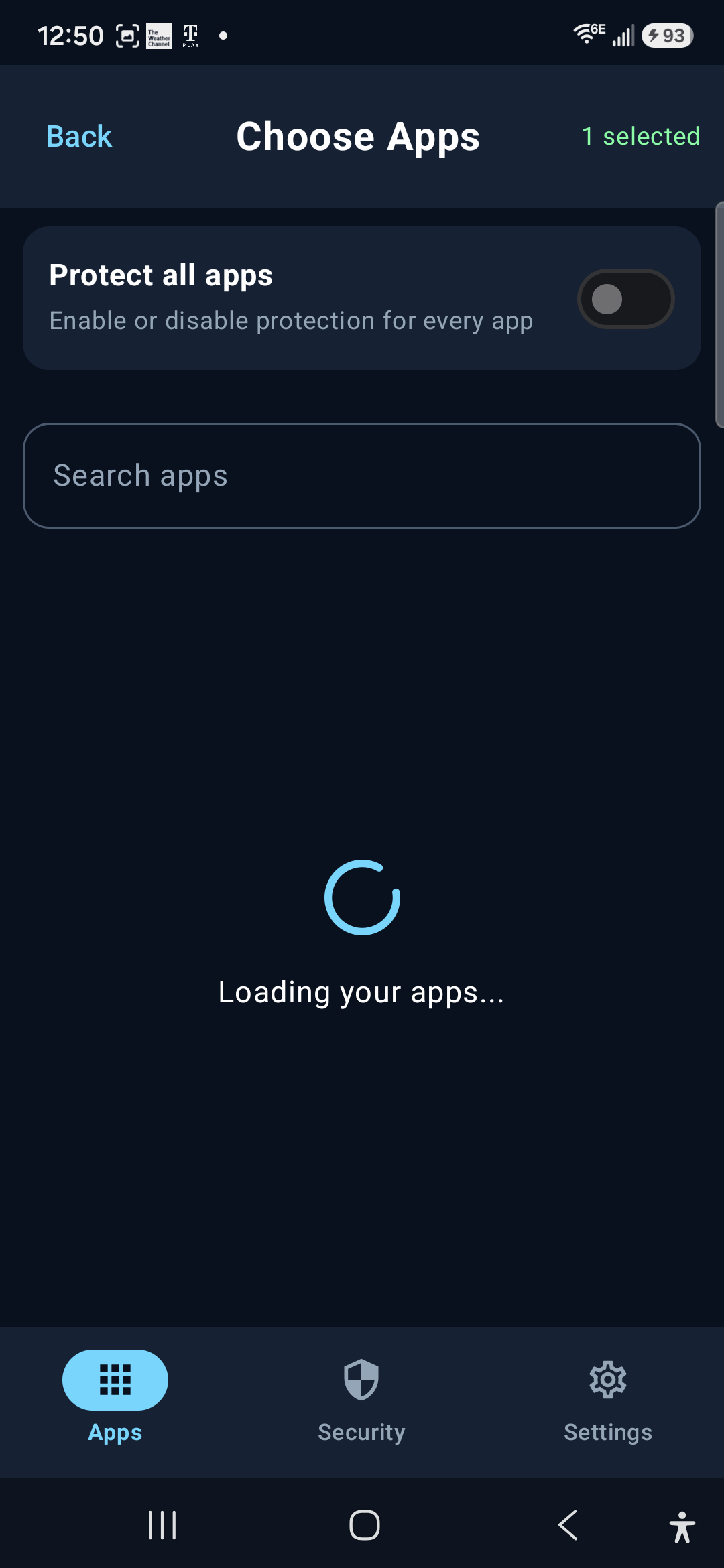
Choose the apps you want to lock. Open them with your phone’s secure system authentication, without another app password to remember.
Get Sordifense on Google Play ↗Protect 1 app free · No ads · No subscription
Protect one selected app for free. An optional one-time upgrade unlocks unlimited app protection and paid features, including Intruder Selfie. See Google Play for current pricing in your region.
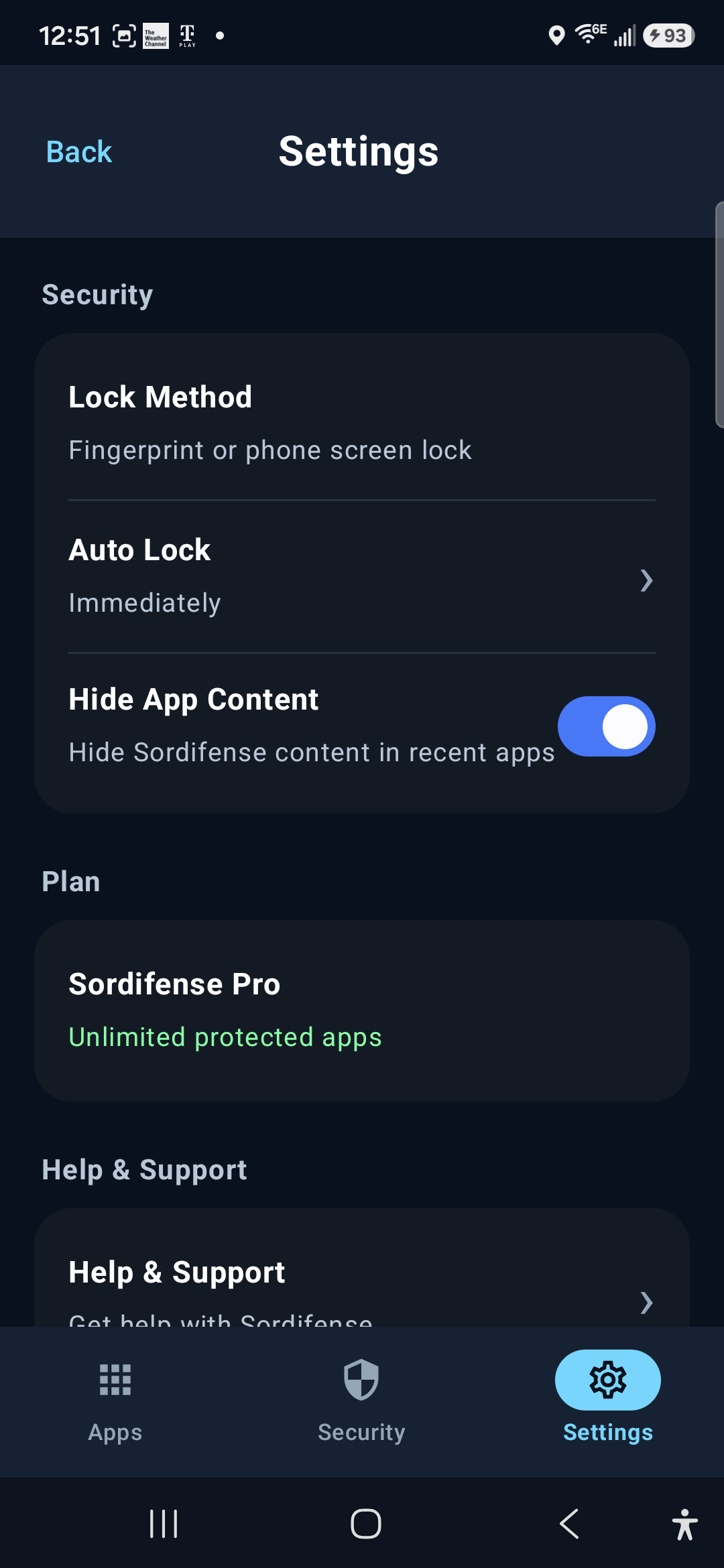
Sordifense uses Android’s system authentication, including supported biometrics and device screen-lock methods when available. Protected apps automatically relock after you leave them.
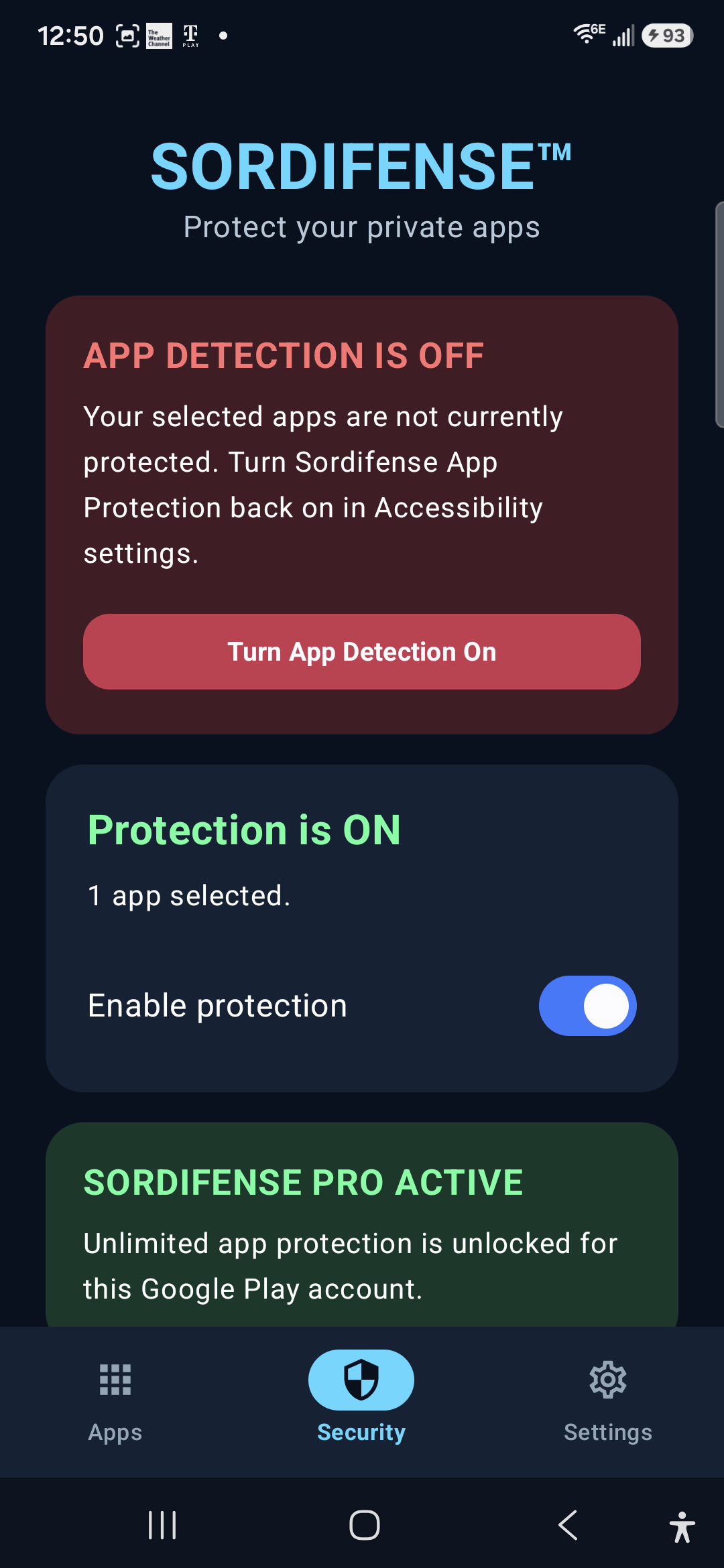
Sordifense uses Accessibility Service to detect when a selected app opens and show its authentication screen. It does not use that service to read messages, passwords, typed text, or the contents of other apps. You can disable access in Android settings.
No account is required. Your selected apps and protection settings stay on your device. Read the privacy policy →